
 STREET
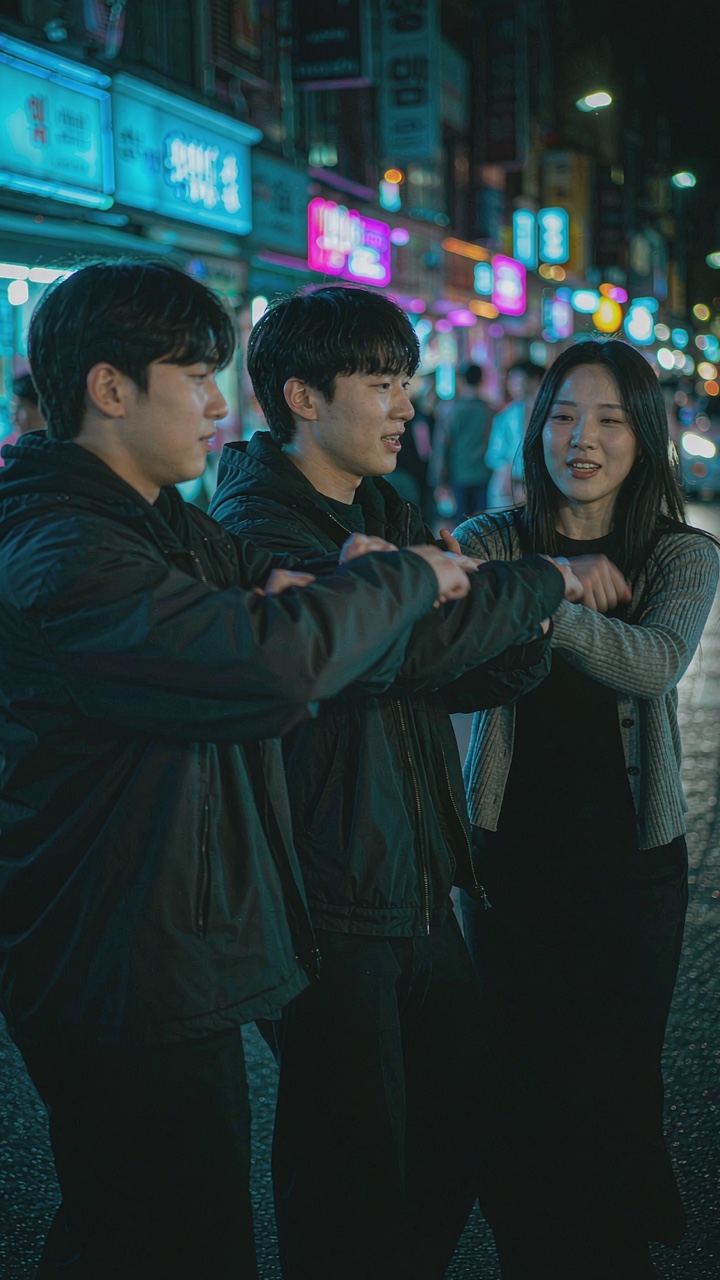
Neon street
Storefront signs, passing headlights, three dancers in the middle of the road. The default and the closest to the clip everyone is reposting.
Add three photos — left, center, right — and all three of you dance on a neon-lit night street. 15-second vertical clip — handheld camera, city glow, ready for TikTok, Reels and Shorts. Add the sound inside the app when you post.
Left
Center
Right
One person per photo, facing the camera. Each face stays separate in the clip.
Photos are used only to render your video; deleted in 24h. Privacy details
Scenes restyle the lighting and crowd around you. Same price.
One photo becomes a vertical clip of you dancing with two friends under neon signage. No editing timeline, no template hunting, no lip-sync pass.
Audio is not included. Add the track yourself from TikTok's licensed sound library when you post.
3 PHOTOSYOUR CLIP
Night-city street dance · vertical MP4
Illustrative demo render. We do not host or output the original song — add the track from TikTok's sound library.
Gangnam Style AI is a trend-format video generator. You upload one photo and an AI video model renders a vertical 15-second clip of you dancing with two friends through a neon-lit night street — the “three friends dancing at night” format that took over TikTok, Reels and Shorts. It is not the original music video: it is a brand-new AI scene built around your face. A 10-second clip uses 10 credits; the 15-second version uses 20 credits. Failed renders are refunded automatically.
A single front-facing photo with your upper body visible is all you need. No timeline editing, no app, no prompt writing.
You and two friends hitting the same beat, handheld camera, neon glow. Pick street, rooftop or rain alley.
Download a watermark-free 9:16 MP4 ready for TikTok, Reels and Shorts. You add the sound inside the app when you post.
15s HD costs 20 credits. Packs start at $3.99 for 10 credits; exact pricing depends on your region. Your exact price is shown before checkout.
No timeline editing and no prompts. The scene is already defined — you just bring the photo.
A clear, front-facing photo with your face, hair and upper body visible works best. Pick your scene: street, rooftop or rain.
Choose Standard 480p (10 credits) or HD 720p (20 credits) for your 15-second clip, then press Make my video.
Download the 9:16 MP4, then add the track from TikTok or Instagram's licensed sound library when you post.
Same dance, same length, different light. Pick before you render — switching scenes costs no extra credits.
STREETStorefront signs, passing headlights, three dancers in the middle of the road. The default and the closest to the clip everyone is reposting.
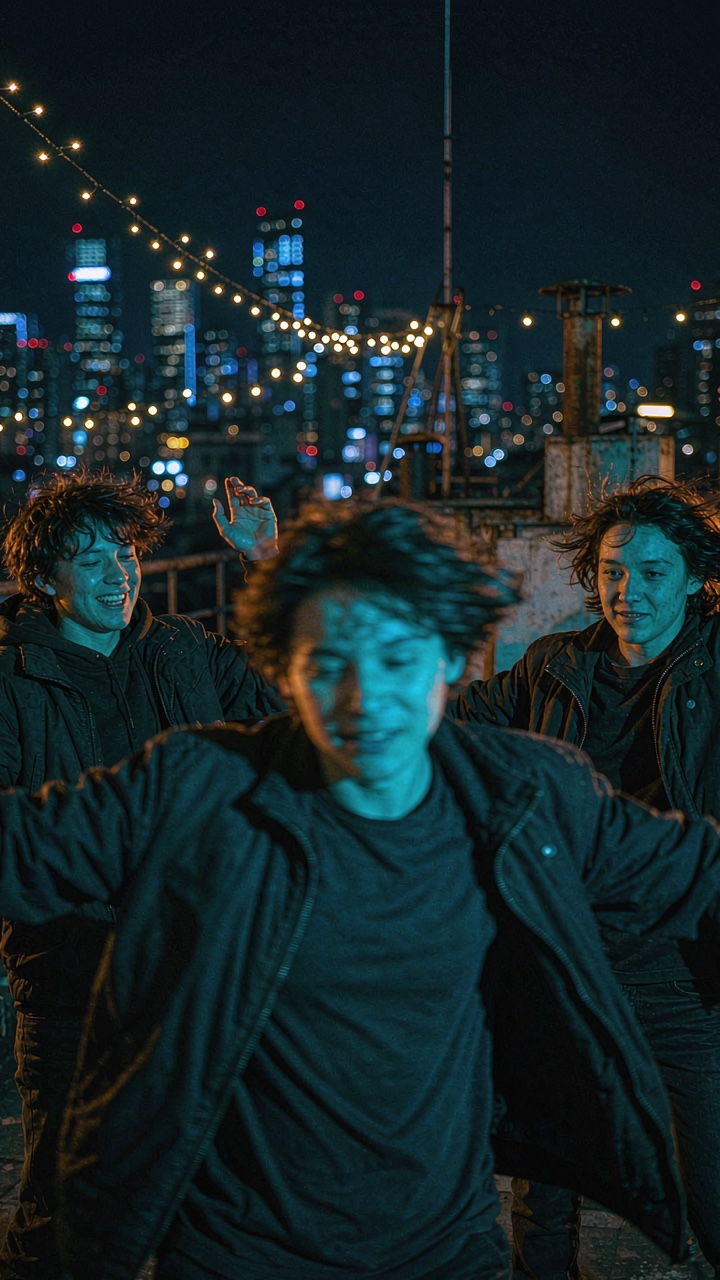 ROOFTOP
City lights behind you, wind in the frame, wider camera. Reads more like a music-video cut than a phone clip.
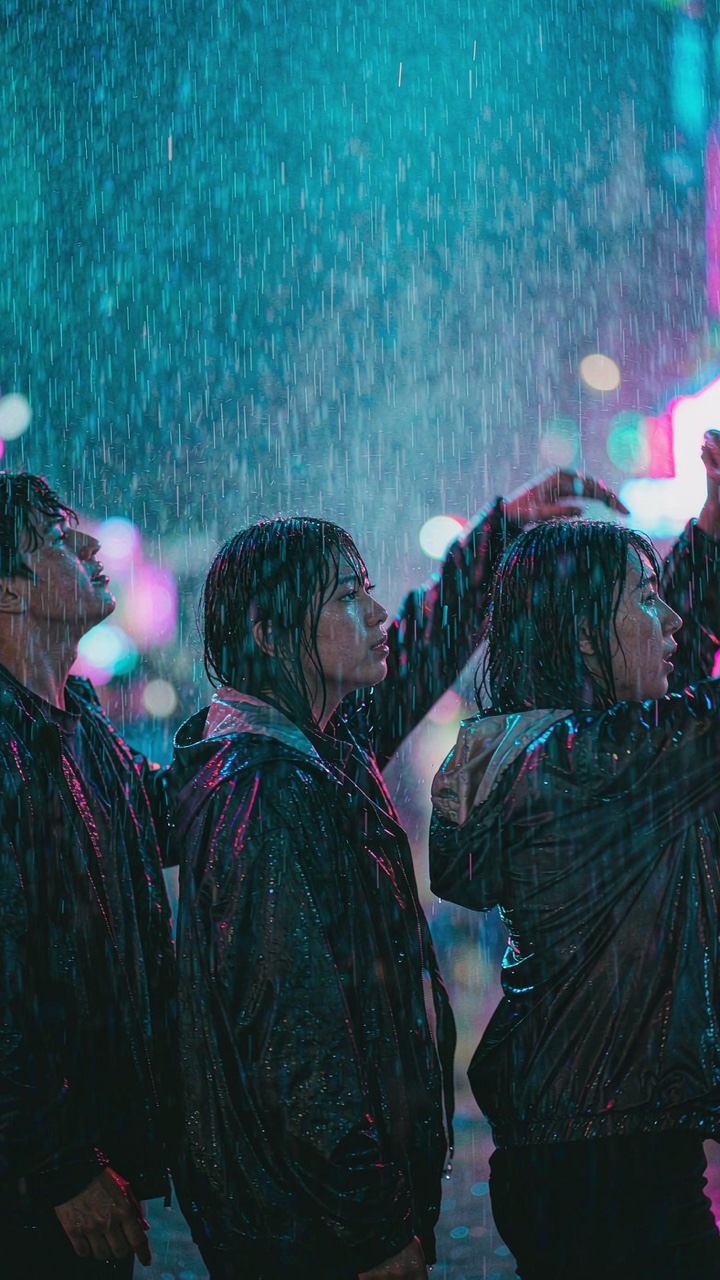 RAIN
RAINNeon reflections on the pavement, rain in the light beams. Slowest to render, best for a moodier post.
General AI video generators invent random motion from a prompt. Gangnam Style AI does one job: it recasts you in the 15-second clip people already know.
Three dancers, handheld camera, neon signage, 15 seconds. The shot is already blocked, so the model spends its effort on your face instead of guessing a storyline.
Same dance, three lighting setups: busy neon street, skyline rooftop or wet alley with reflections. Switching scenes costs nothing extra.
Upload a picture from your camera roll or desktop (JPG, PNG, WebP or iPhone HEIC). No GPU, no ComfyUI, no prompt engineering required.
Each full 15s HD video costs 20 credits. Packs outside the U.S. start at $3.99 for 10 credits; your exact price appears before checkout.
Your render is delivered without music on purpose. Add the track from TikTok or Instagram’s licensed library when you post — that is what keeps the post monetizable.
If a render fails or gets blocked by a safety filter, your deducted credits are automatically returned to your account balance.
Straight talk on what makes a great render — and what current video models still cannot do.
Every page below has the same one-photo maker at the top, so you can make your clip from any of them.
What this trend actually is, where it came from, and why the night-street version is spreading right now.
The full walkthrough: photo requirements, scene choice, credits and how to post it with licensed sound.
Copy-paste prompts for Flow, Gemini, Kling, Seedance and Higgsfield if you want to build the scene yourself.
Why the three-friends-night-dance format works, and how to keep all three faces consistent.
What templates can and cannot do with a still photo, compared honestly against generative video.
Skip the prompt engineering: upload a photo, pick a scene, get a vertical MP4 in minutes.
Credit packs never expire. A 10-second clip costs 10 credits and a 15-second clip costs 20. Failed renders are never charged.
10 credits
• 1 video of 10s Viral Cut with audio
• Fast 10-second group dance clip (AI)
The 10-second cut for TikTok / Instagram Reels (sound added in-app)
30 credits
• 3 videos at 15s Standard or 1 at 15s HD
• Try 3 different photos or with friends
Three 10s clips or 1 full 15s night-street scene
80 credits
• 8 videos at 15s Standard or 4 at 15s HD
• Lowest per-video cost ($2.49)
For content creators, viral memes and groups of friends
Clear credit & refund rules: If a generation job fails or gets blocked, its deducted credits return to your account balance automatically. Completed video renders cannot be refunded once delivered; unused credit packs are eligible for a full refund within 14 days. Read Refund Policy
Clear answers about credit costs (480p vs 720p HD), realistic AI expectations, photo privacy and automatic credit returns.
Write to support@gangnamstyleai.pro with your account email and question.
A 10-second highlight costs 10 credits. Starter Cut (10 credits, 1 clip) is $3.99, Party Pack (30 credits, 3 clips or 1 full HD video plus 1 highlight) is $7.99, and Creator Pack (80 credits, 8 highlights or 4 full HD videos) is $19.99. Failed renders are refunded automatically, and credits never expire.
One photo. Nineteen seconds of night-street dance. Zero editing.